Running Text Embeddings Inference in Docker on Your Own Network
Text Embeddings Inference serves embedding and reranking models over HTTP from a Docker container. This guide sets up both models on your own hardware, which gives you the basis for an internal document search without a cloud service.
What you will have at the end and what you need
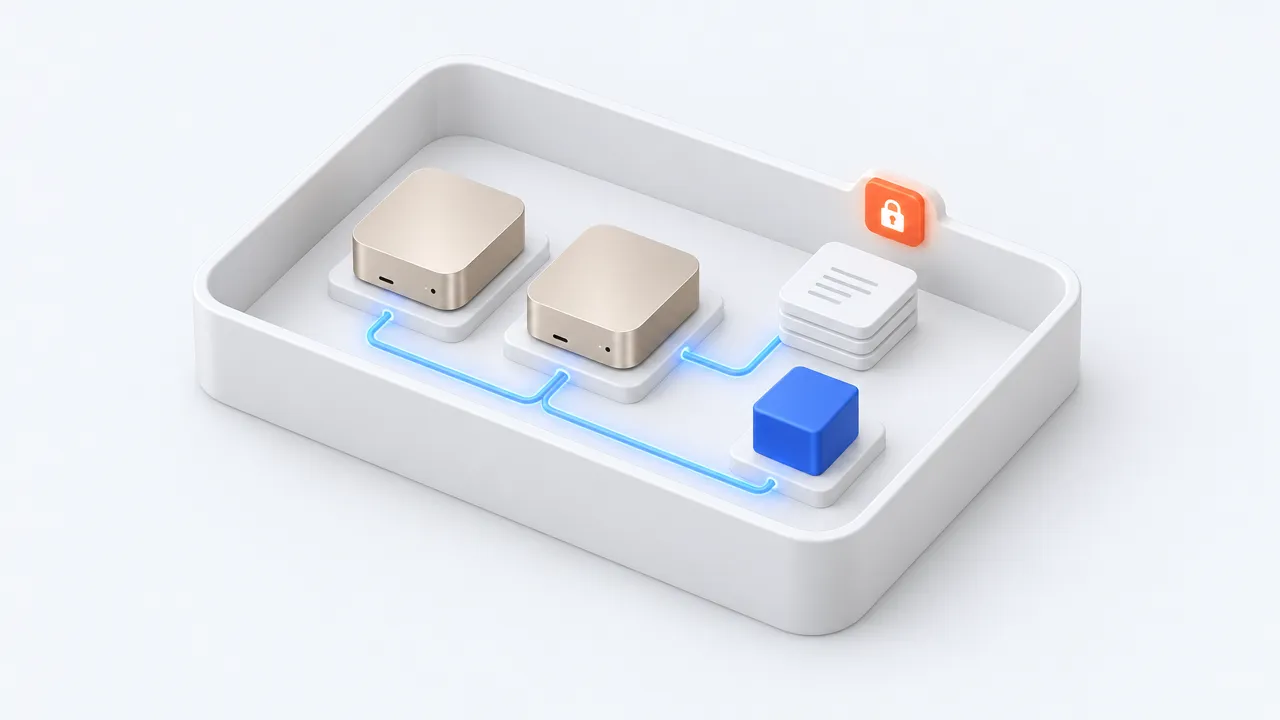
At the end you will run two containers on your own machine. One serves an embedding model that turns text into vectors. The other serves a reranking model that sorts candidate passages by relevance to a query. Both answer plain HTTP requests, so any search application in your network can call them.
You need a Linux host with Docker and an NVIDIA GPU. The Text Embeddings Inference README states that the NVIDIA Container Toolkit must be installed and that the drivers must be compatible with CUDA 12.2 or higher. The examples use the image tag cuda-1.9. The README lists other tags for CPU and for specific GPU generations, so check the table there if your hardware differs.
Start the embedding server with Docker
The first command starts the server with the model Qwen/Qwen3-Embedding-0.6B. The volume mount keeps the downloaded weights in a local data folder, so later starts do not download them again. The container listens on port 80 inside and is published on port 8080 of the host.
model=Qwen/Qwen3-Embedding-0.6B
volume=$PWD/data # keep the weights between runs

docker run --gpus all -p 8080:80 -v $volume:/data --pull always \
  ghcr.io/huggingface/text-embeddings-inference:cuda-1.9 --model-id $model
The first start downloads the model from the Hugging Face Hub, so the host needs internet access once. The README lists this model with about 509M parameters, which makes it a small entry point. Larger Qwen3 variants appear in the same table and are marked as expensive to run.
Embed texts and rerank the hits
Once the server is up, a POST request to the /embed route returns the vector for a text. The following call sends a German question about a notice period. You can send each passage of your documents the same way when you build an index.
curl 127.0.0.1:8080/embed \
    -X POST \
    -d '{"inputs":"Wie lange beträgt die Kündigungsfrist?"}' \
    -H 'Content-Type: application/json'
A reranker is a second model that scores how well each text fits a query. The next command starts BAAI/bge-reranker-large on a different host port from the embedding server, so both can run side by side. The README describes rerankers as sequence classification cross-encoders with a single class.
model=BAAI/bge-reranker-large
volume=$PWD/data

docker run --gpus all -p 8081:80 -v $volume:/data --pull always \
  ghcr.io/huggingface/text-embeddings-inference:cuda-1.9 --model-id $model
The /rerank route takes a query and a list of texts and returns them scored against the query. A typical search first fetches candidates by vector similarity and then passes them to this route. The placeholders Text A and Text B stand for passages from your index.
curl 127.0.0.1:8081/rerank \
    -X POST \
    -d '{"query": "Kündigungsfrist", "texts": ["Text A", "Text B"]}' \
    -H 'Content-Type: application/json'
Operation without internet access and with an API key
For a network without outside access, the README describes an air-gapped deployment. You download the model weights on another machine, for example with git lfs and git clone from the Hugging Face repository, and copy them to the server. The directory is mounted as the volume, and --model-id points to the path under /data, such as /data/Qwen3-Embedding-0.6B.
By default the server answers every request. The option --api-key, or the environment variable API_KEY, makes it require the key as a Bearer token in the Authorization header. The README also shows HF_TOKEN for private or gated models, such as google/embeddinggemma-300m. Keep both values in your secret store and out of shell history and scripts.
Checking the setup and typical pitfalls
The check is simple. The embed call should return a list of numbers, and the rerank call should return a score for each text. The README also names a /docs route that serves the OpenAPI documentation of the REST API, which helps when you write a client.
- The default port of the router is 3000. The Docker examples map the container port 80 to the host, so keep the mapping from the commands above.
- Inputs that exceed the model limit are truncated by default. With --auto-truncate set to false, the server refuses to start if the maximum input length exceeds --max-batch-tokens.
- A client may send at most 32 inputs per request by default, and the payload limit is 2,000,000 bytes.
- Volta GPUs are not supported, and the Turing image is marked experimental with Flash Attention off by default.
Two models on one GPU share its memory. If a container fails to start, first examine the batch size set with --max-batch-tokens, whose default is 16384.
Where this fits in a company
An embedding server is one building block of a document search. Someone still has to extract text from your files, split it, store the vectors and keep the index current. Decide early who maintains the containers, who updates the image tag and who rotates the API key. Because the models run in your own network, document text is not sent to an external embedding service, though you should still check the model download step with your data protection officer. More background is on our pages about local AI, knowledge management software and GDPR and AI.
souveraen.ai offers this kind of setup as a ready platform, running either hosted in Germany or on-premise in the company network, as described on the page about Private Spark and Air-Gap Enterprise. Teams that prefer to build their own search can use the TEI containers shown here.
Sources
- Text Embeddings Inference README, Hugging Face